Neither a mouse nor a trackpad is automatically better for your wrist. The right one is whichever lets you work with a straight wrist, a light grip and your hand close to your body, and switching between them usually beats picking a winner. If your wrist aches by mid-afternoon, start with your setup.
By Dr. Orr Soffer, DC · Chiropractor in Campbell, CA
Below you’ll find how each device loads your wrist differently, a 60-second desk audit you can do right now, a short routine for the tissues that take the hit, and the signs that mean you should get checked first.
Why Does My Wrist Hurt From Using a Mouse or Trackpad?
Most desk-related wrist pain comes from small positions held for hours: the wrist bent back, the hand angled toward the pinky, the fingers tense and hovering. The forearm muscles and tendons never get a break, and the tissue gets irritated before it gets stronger.
The usual suspects we see in Silicon Valley desk workers are forearm tendon irritation on the top or thumb side of the wrist, overloaded forearm extensors that can also ache near the elbow, and nerve irritation that shows up as tingling. Cleveland Clinic lists overuse and repetitive strain among the most common causes of wrist pain, alongside tendinitis and carpal tunnel syndrome.
It’s worth knowing the evidence on computers and carpal tunnel is less clear-cut than people assume. Mayo Clinic notes there isn’t enough evidence to call computer use a risk factor for carpal tunnel syndrome, though some evidence points to mouse use, and computer work may cause a different kind of hand pain. In other words: a sore wrist at your desk is common, but it isn’t automatically carpal tunnel.
Mouse vs. Trackpad: How Does Each One Load Your Wrist?
Each device has a typical failure mode. Knowing yours tells you what to fix.
| Standard mouse | Laptop trackpad | |
|---|---|---|
| Common wrist position | Bent back and angled toward the pinky side | Bent back, often resting on the laptop’s sharp front edge |
| Common grip problem | “Claw” grip and squeezing the mouse | Fingers hovering and tense between swipes |
| Where else it shows up | Shoulder and upper back if the mouse sits far out to the side | Neck and upper back because the screen is too low |
| Main advantage | Can be placed anywhere; easy to swap hands | Keeps your hand centered and close to your body |
The OSHA computer workstation guide makes the same core points: keep the pointing device close to the keyboard, position it so your wrist stays straight rather than bent up, down or sideways, use a light touch, and remember that alternatives like a touchpad or trackball may be less fatiguing for certain tasks. The theme: it’s less about the device than the position it puts you in.
Vertical mice hold your hand in a “handshake” position, so your forearm rotates less. Some people with forearm or elbow irritation find that more comfortable. It’s not a cure, but it’s a reasonable experiment if a regular mouse keeps flaring things up.
The 60-Second Wrist Audit: Is Your Setup the Problem?
Sit the way you normally work, hand on your mouse or trackpad, and check each of these. Every “no” is something to change today.
- Straight line. Look down at your hand. Is there a straight line from your forearm through the back of your hand to your middle knuckle? If your hand angles toward your pinky, move the device so your forearm points at it.
- Flat wrist. From the side, is your wrist roughly flat, not bent back? If it’s cocked up, lower the device or raise your chair so your forearm slopes slightly down toward the desk.
- Elbow by your side. Is your mouse close enough that your elbow stays near your ribs? If your arm reaches out to the side, a compact keyboard without a number pad frees up space.
- Light touch. Can you let go of the mouse completely between movements? If your fingers stay clenched or hovering, turn up pointer speed so small movements cover the screen.
- Soft contact point. Does your wrist rest on a sharp laptop edge or a hard desk lip? Rest the fleshy part of your palm, not the inside of your wrist, or use a laptop stand with a separate keyboard and mouse.
- Variety. Do you use the same device in the same hand all day? Alternate: mouse in the morning, trackpad after lunch, and keyboard shortcuts for repetitive clicks.
If your evenings happen on the couch, the same rules apply. We covered how to set that up in our guide to a better laptop-on-the-couch setup.
A 5-Minute Routine for Desk-Sore Wrists and Forearms
Do this once or twice during the workday. It should feel like work in the muscles, not sharp pain in the joint. If any step makes tingling worse, skip it and get it checked.
- Tendon glides (1 minute). Move through five hand positions slowly: straight fingers, hook fist, full fist, tabletop, straight fist. Hold each for 2 seconds. Repeat 5 times.
- Wrist flexor stretch (2 × 20 seconds per side). Arm straight in front, palm up. Gently pull the fingers back with the other hand until you feel a stretch on the forearm’s underside.
- Wrist extensor stretch (2 × 20 seconds per side). Arm straight, palm down, make a soft fist and gently bend the wrist down. Feel it on top of the forearm.
- Slow wrist lowers (2 sets of 10). Rest your forearm on the desk, hand off the edge, palm down, holding a water bottle. Lift the wrist with help from the other hand, then lower slowly over 3 seconds on its own. This builds tolerance in the tendons that a mouse overworks.
- Finger opens (2 sets of 15). Put a rubber band around your fingertips and open your hand against it. This balances all the gripping and clicking.
- Shoulder blade squeeze (10 reps, 3-second hold). Sit tall and draw your shoulder blades back and down. A stiff upper back pushes more work onto the forearm; our 8-minute mid-back mobility routine goes deeper on that.
Setup changes usually matter most in week one; the strengthening pays off over several weeks.
Is It Your Wrist, Your Elbow or Your Neck?
Pain where you feel it isn’t always pain from where it starts. Ache on the outside of the elbow that spreads into the forearm often comes from the same extensor muscles that work hard on a mouse, which overlaps with what we see in tennis and pickleball elbow.
Tingling deserves extra attention. Numbness in the thumb, index and middle fingers that wakes you at night fits the classic carpal tunnel picture Mayo Clinic describes. But tingling that travels down the arm with neck stiffness, or that changes when you turn your head, may come from a nerve irritated higher up, as in cervical radiculopathy. Sorting that out is a job for an exam, not a new mouse.
How We Treat Desk-Related Wrist Pain at The ChiropractOrr
Your first visit starts with an exam: wrist and forearm testing, a nerve screen, and a look at your neck, shoulder and upper back. We’ll also ask about your workstation, because the setup is usually half the answer.
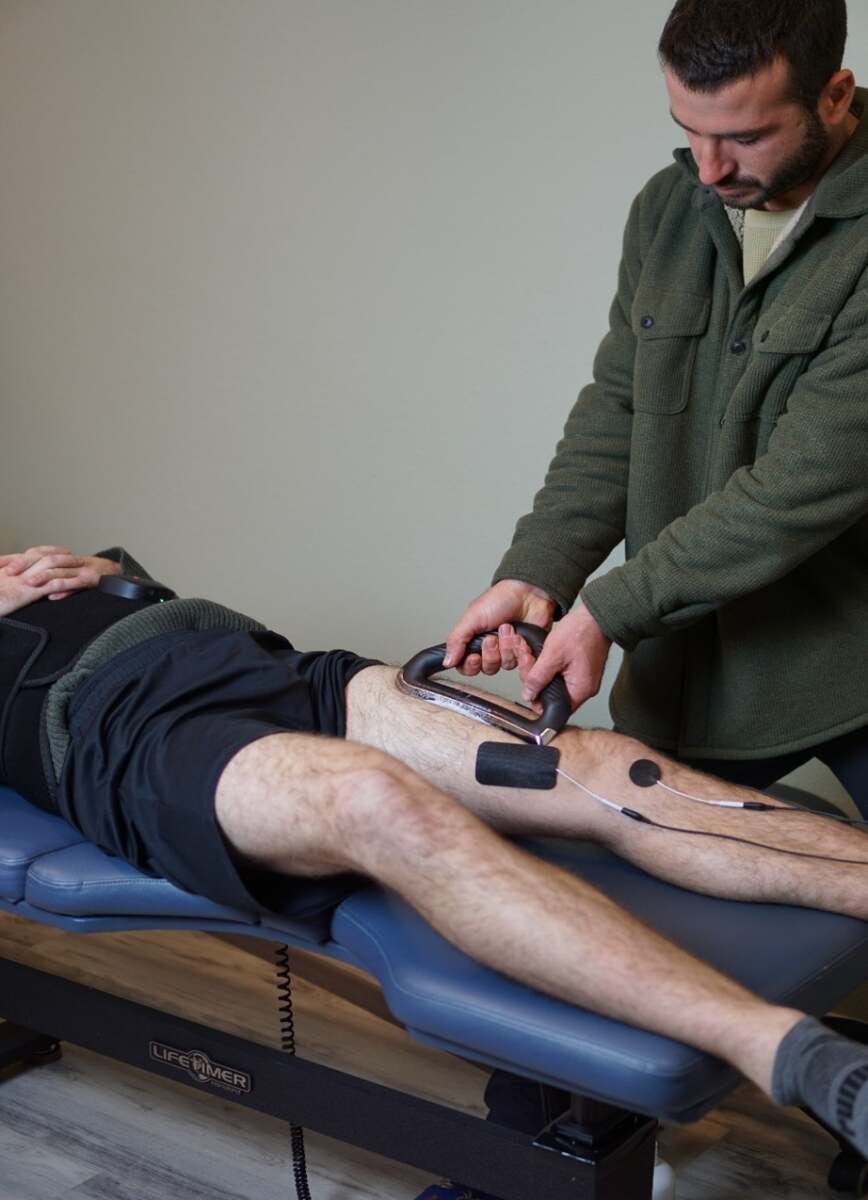
From there, care follows our Offload → Rebuild → Reeducate approach. To offload, we use hands-on work such as FAKTR soft tissue therapy and myofascial and trigger point work on the forearm, plus joint mobilization or chiropractic adjustments for the wrist, elbow or upper back when the exam supports it. To rebuild, we progress the strengthening from the routine above in a personalized rehab exercise plan. To reeducate, we fine-tune your workstation and work habits so the problem doesn’t keep coming back.
We see patients in-clinic in Campbell, and our mobile chiropractic visits let us assess your actual home office setup in person, which is often the most useful hour we spend.
When to See a Doctor First
Get medical care promptly, rather than starting with self-care, if you notice:
- Constant numbness, or weakness such as dropping things or losing pinch strength
- Swelling, redness, warmth or discoloration in the hand, wrist or forearm
- Inability to move the wrist, hand or fingers normally
- Pain after a fall or impact, especially on an outstretched hand
- Pain that doesn’t improve within a couple of weeks, or keeps getting worse
These line up with Cleveland Clinic’s guidance on when wrist pain needs a provider. If arm symptoms come with chest pain, shortness of breath, facial drooping or sudden weakness on one side, call 911.
Key Takeaways
- Neither a mouse nor a trackpad is best for everyone; the device that keeps your wrist straight and your grip light wins.
- Keep the device close, your elbow near your side and your wrist off sharp edges.
- Alternating devices and hands, and using keyboard shortcuts, spreads the load.
- A few minutes of stretching and slow wrist strengthening helps tendons tolerate desk work.
- Tingling, weakness or night symptoms deserve an exam to rule out nerve involvement.
FAQ
Is a trackpad better than a mouse for wrist pain?
Not automatically. A trackpad keeps your hand centered, but on a laptop it often bends the wrist back over a hard edge. A mouse can be placed better but tends to pull the arm out to the side. Many people do best alternating between the two.
Does a vertical mouse help wrist pain?
It can help some people, especially those with forearm or outer-elbow irritation, because it reduces how far the forearm rotates palm-down. It takes a week or two to adjust. It won’t fix a poor setup on its own.
Can using a mouse cause carpal tunnel syndrome?
The evidence is mixed. Mayo Clinic says there isn’t enough evidence to call computer use a risk factor, though some evidence links mouse use to it. Many people with mouse-related wrist pain have tendon or muscle irritation rather than carpal tunnel.
How long does desk-related wrist pain take to improve?
Mild cases often ease within a week or two of fixing the setup. Tendon irritation that’s been building for months usually needs several weeks of consistent strengthening. If it isn’t improving after a couple of weeks, get it assessed.
If your wrist is making the workday harder, we can help you find out why. Book your initial evaluation or call (408) 641-0739. Can’t get away from your desk? Our mobile visits bring the exam to your home or office in Campbell, Los Gatos, Saratoga, Cupertino, San Jose and Santa Clara.
Written by Dr. Orr Soffer, DC, chiropractor at The ChiropractOrr in Campbell, CA. This article is educational and not a substitute for an individual medical evaluation.